Your website may have a modern design, fast-loading pages, professional branding, and a polished contact form. But none of these things guarantees that it is secure.
For many businesses, a website is much more than a digital brochure. It collects customer inquiries, processes payments, connects to third-party services, stores business information, and represents the company’s reputation.
A security weakness in any of these areas can create consequences that go far beyond a technical problem.
The important question isn’t simply whether your website works. It’s whether it has been built, configured, and maintained to reduce avoidable security risks.
Why website security matters to every business
Cybersecurity is often associated with large corporations, banks, and government institutions. In reality, businesses of all sizes depend on websites, online accounts, hosting platforms, and third-party software.
A smaller organization may have fewer resources available to investigate an incident, recover lost data, or respond to prolonged downtime. That makes sensible preventative measures particularly valuable.
The OWASP Top 10:2025 highlights several risks relevant to web applications, including broken access control, security misconfiguration, insecure design, and authentication failures.
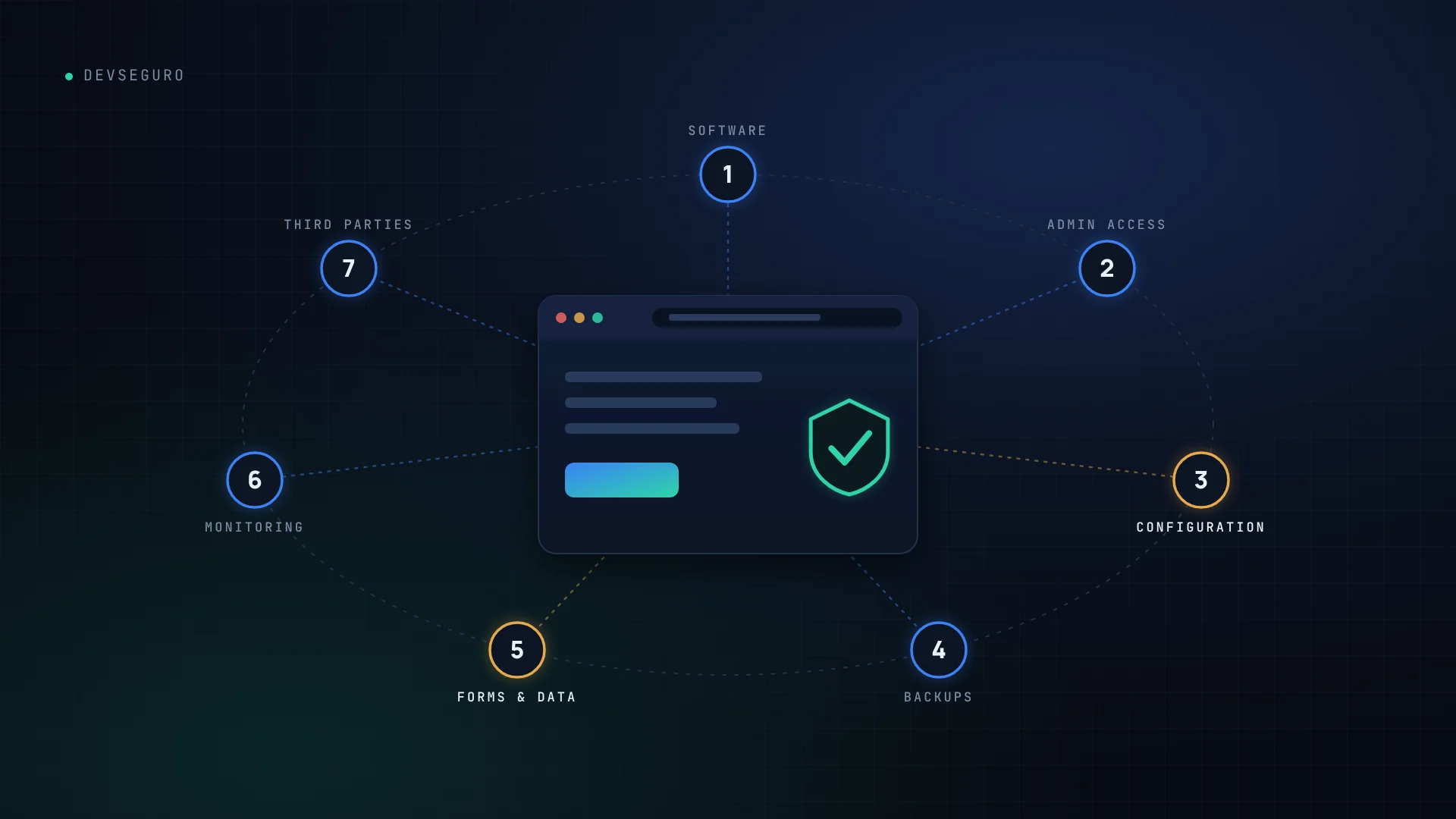
Here are seven areas every business should examine.
1. Outdated software and vulnerable plugins
Content management systems, plugins, themes, libraries, and frameworks require maintenance. When vulnerable components remain in use, attackers may be able to exploit known weaknesses.
What to do
- Keep the website platform and dependencies updated.
- Remove unused plugins, themes, libraries, and integrations.
- Check whether critical updates introduce compatibility issues before deployment.
- Maintain a record of important components and their owners.
Updates should be part of a controlled maintenance process, not something performed only after a problem occurs.
2. Weak administrator accounts
A compromised administrator account can give an attacker significant control over a website.
Shared accounts, reused passwords, excessive privileges, and missing multi-factor authentication can increase the risk.
What to do
- Require multi-factor authentication for privileged accounts.
- Use unique passwords and a reputable password manager.
- Remove access when employees or contractors no longer need it.
- Give every account only the permissions required for its role.
3. Incorrect security configurations
A website can use modern software and still be exposed through poor configuration.
Examples include unnecessarily exposed administrative interfaces, excessive permissions, debug information visible in production, or sensitive files accessible over the internet.
What to do
- Review hosting, server, application, and storage permissions.
- Disable unnecessary services and debugging features in production.
- Configure security headers where appropriate.
- Review access controls for sensitive pages and APIs.
4. Missing or ineffective backups
Backups are essential for recovery, but a backup that has never been tested may not be useful when a real incident occurs.
A business should understand what is backed up, how frequently backups occur, how long they are retained, and how quickly the website can be restored.
What to do
- Automate backups for website files and databases.
- Keep protected copies separate from the primary production environment.
- Restrict access to backup systems.
- Test restoration procedures periodically.
5. Insecure forms and customer data handling
Contact forms, account registration pages, file uploads, and customer portals can introduce risks when inputs, permissions, and data handling are poorly implemented.
Potential weaknesses include inadequate server-side validation, unauthorized data access, injection vulnerabilities, and unnecessary collection of sensitive information.
What to do
- Validate inputs on the server, not only in the browser.
- Enforce authorization checks for every sensitive operation.
- Protect sensitive data in transit and at rest where appropriate.
- Collect only the information the business genuinely needs.
6. Missing monitoring and alerting
Preventative controls reduce risk, but they do not guarantee that every incident will be prevented.
Without suitable logging and alerting, suspicious account activity, unexpected website changes, and repeated authentication failures may go unnoticed.
What to do
- Enable appropriate application, hosting, and authentication logs.
- Alert on suspicious or high-impact events.
- Protect logs against unauthorized alteration.
- Establish a clear response process for security incidents.
7. Third-party integrations and dependencies
Payment providers, analytics tools, external scripts, plugins, and APIs can extend a website’s functionality. They can also introduce additional dependencies and access paths.
What to do
- Maintain an inventory of third-party services.
- Review the permissions granted to integrations.
- Remove unused API keys and revoke unnecessary access.
- Monitor dependency advisories and investigate relevant vulnerabilities.
A practical website security checklist
Use this checklist as an initial review, not as proof that your website is secure.
This is a preliminary checklist, not a vulnerability scan or security certification. Checking an item does not independently verify implementation.
When should you request a professional website security assessment?
A professional assessment can help identify weaknesses that a basic checklist cannot confirm.
Consider requesting one when launching a new website, adding customer accounts or payment functionality, migrating hosting, integrating new services, or responding to unexplained changes in website behavior.
An assessment should have a clearly defined scope and appropriate authorization. Depending on the website, it may include configuration reviews, dependency analysis, access-control testing, and authorized vulnerability testing. You can see how our assessments are scoped on our cybersecurity services page.
Protect your website before a weakness becomes a business problem
Your website should support business growth without introducing unnecessary risk. Security is most effective when it is considered during development and maintained throughout the website’s lifecycle.
DevSeguro helps businesses build and improve their online presence with a focus on reliable development and practical security. If you’re unsure where your website stands, start with a professional review of its current risks and priorities. Our web development work includes security from the first line of code, and you can contact us any time to request a website security assessment.